Workshop Resources
2026 Teaching Tools Symposium
Tuesday, January 13, 2026
Morning Schedule:
- 8:30 a.m. Breakfast (Arts & Science Building – Lumina Roof on the Third Floor)
- 9:00 a.m. Welcome Orientation (Arts & Sciences Building – Lumina Room)
Teaching Tool Sessions:
| TIME | Room 231 (Classroom) | Room 234 (Learn Lab) | Room 236 (Computer Lab) |
|---|---|---|---|
| 9:20 – 9:50 am | IgniteAI Ed Finn | TOP HAT Stan Zygmunt | CANVAS TOOLS: SESSION 1 (Gina Rue) Modules:JESSE SESTITO Weighted Grading/Assignment Groups: NATALIE KRIVAS Canvas Groups: Diego Piedra |
| 10:00 – 10:30 am | IgniteAI Ed Finn | TOP HAT Stan Zygmunt | CANVAS TOOLS: SESSION 1 (Gina Rue) Modules:JESSE SESTITO Weighted Grading/Assignment Groups: NATALIE KRIVAS Canvas Groups: Diego Piedra |
| 10:40 – 11:10 am | PERUSALL Sara Gundersen | RATE & METACOGNITION Betsy Burow-Flak | Canvas Tools: Session 2 (Raina Isaacs) Turn It On: Ed Finn Enhanced Speed Grading: Raina Isaacs & Ed Finn New Quizzes (Hotspot): Mike Logan |
| 11:20 – 11:50 am | PERUSALL Sara Gundersen | RATE & METACOGNITION Betsy Burow-Flak | Canvas Tools: Session 2 (Raina Isaacs) Turn It On: Ed Finn Enhanced Speed Grading: Raina Isaacs & Ed Finn New Quizzes (Hotspot): Mike Logan |
Afternoon Schedule:
12:00 p.m. Lunch and Open Discussion (Arts & Sciences Building – Lumina Room on the Third Floor)
Detailed Session Information:
IgniteAI: Ed Finn
Are you tired of creating a rubric from scratch for every assignment? Canvas’s new AI tool can help you create rubrics, design quizzes (coming soon), summarize discussions and more. IgniteAI’s analytics can also pinpoint where your students may be struggling.
Helpful Links:
PERUSALL: Sara Gundersen
Do you have trouble getting your students to read? Try posting books, articles, or textbooks on this interactive platform where students can collaborate and collectively comment on course material.
Helpful Link:
TOP HAT: Stan Zygmunt
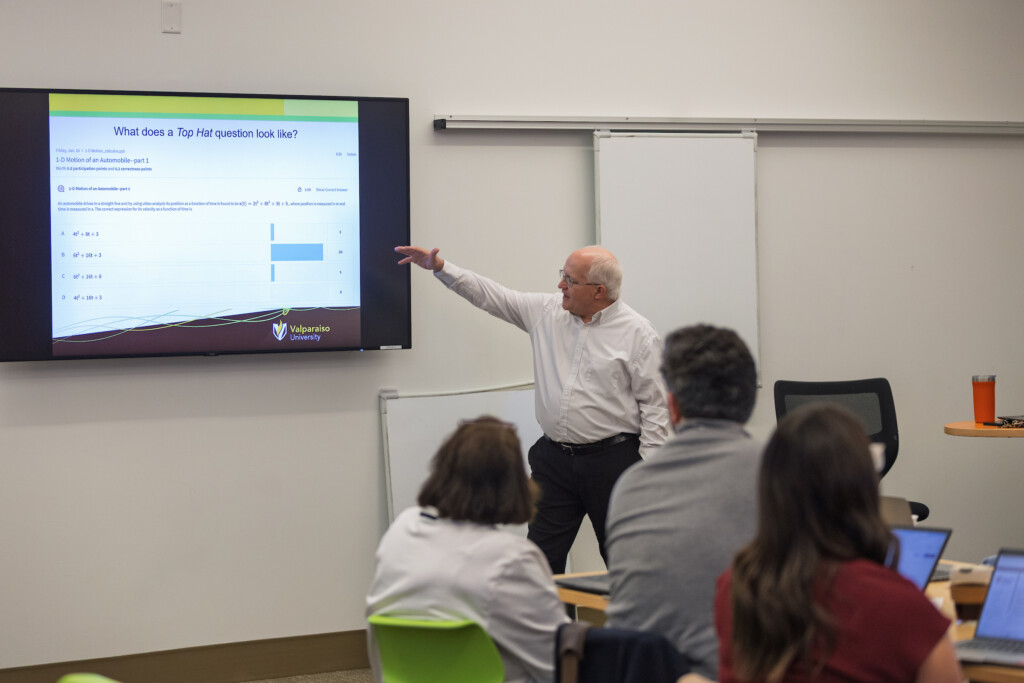
Would you like to increase student engagement? Try using Top Hat to conduct live polls, get real-time feedback, and promote discussion. The platform also offers automatic attendance tracking, auto-graded quizzes, and customizable eText.
Helpful Link:
- Top Hat (Stan’s PP slides)
RATE AND METACOGNITION: Betsy Burow-Flak
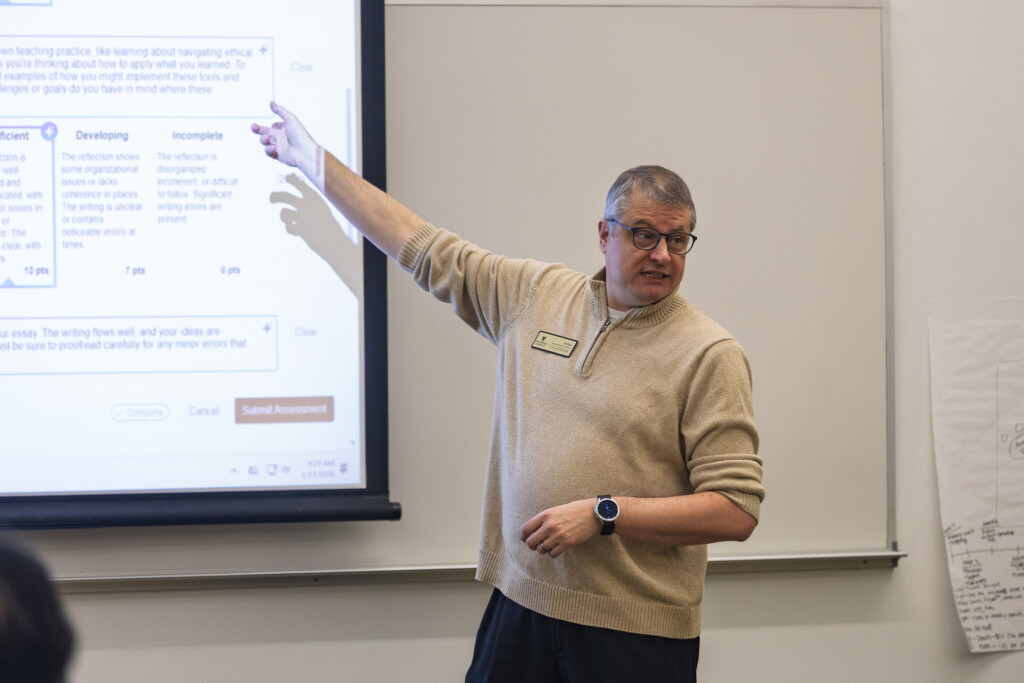
Do you want your students to reflect at just the right moment on the skills they are building? Incorporate RATE as a metacognition tool that will help students evaluate and articulate how they have been building the competencies that employers want and that will help them succeed.
Helpful Link:
Canvas Tools Sessions:
Weighted Grading (Natalie’s PP slides)
Turnitin:
- Direct link for faculty to sign in to Turnitin with their Google Account: https://valparaiso.turnitin.com/
- Information on Draft Coach for students: Turnitin Draft Coach | Turnitin
Modules:
- Canvas Instructor Guide – Modules
- Question: How do I add emojis to a Canvas module?
- Answer: In Edit Mode, you can easily add emojis to your Module headers, page titles, and content within your Canvas course.
- On a PC, place your cursor where you would like an emoji and press ⊞ Win + (.) or ⊞ Win + (;).
- On a Mac, you can press Control + Command + Space.
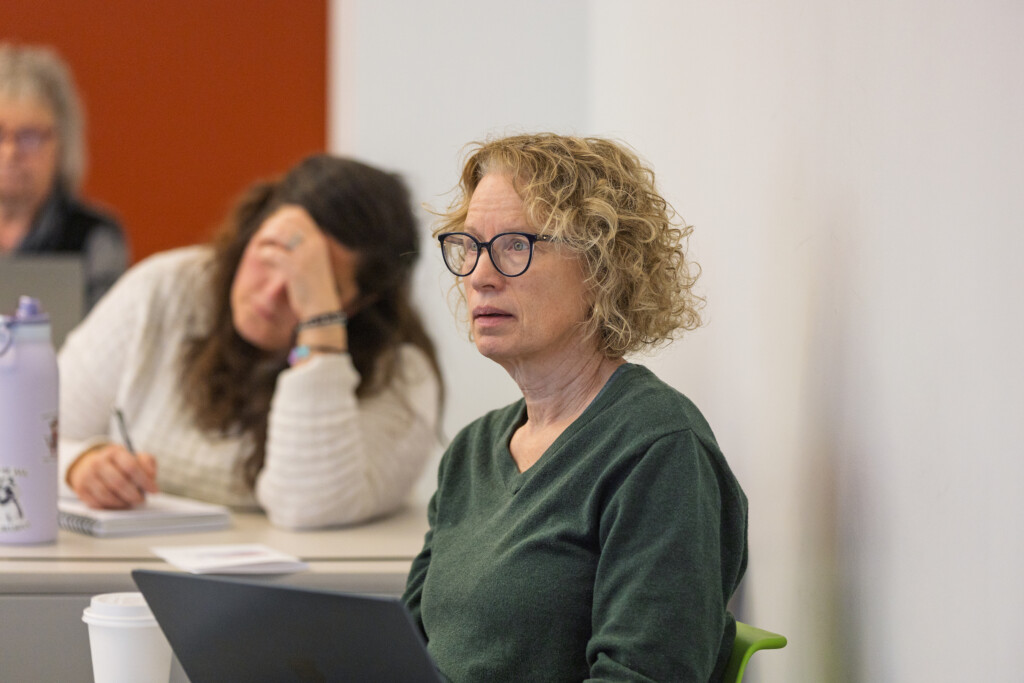
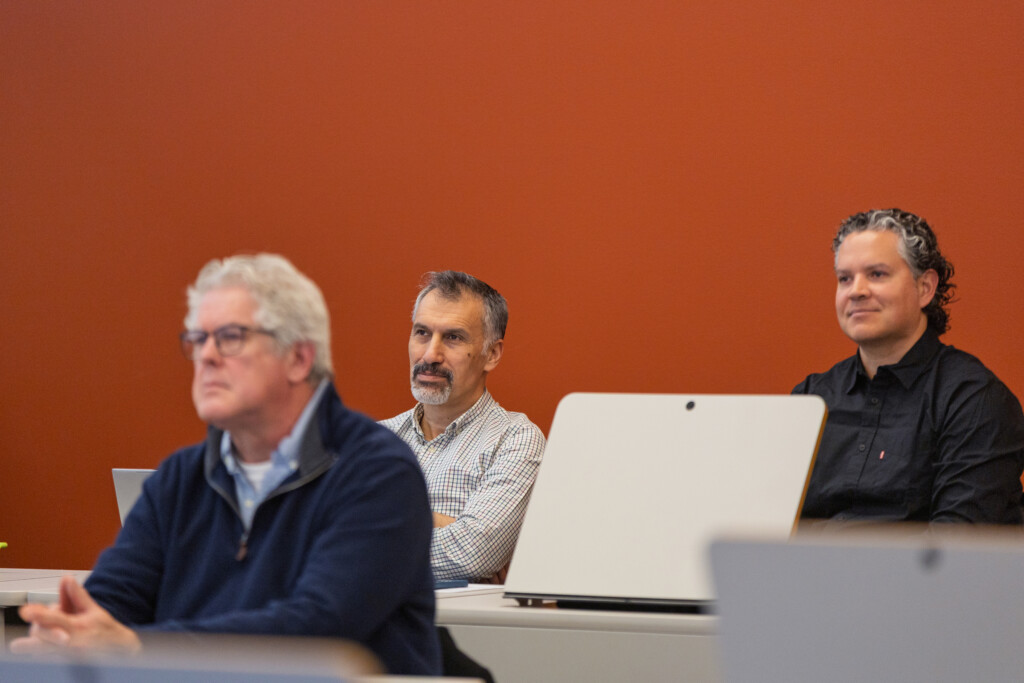
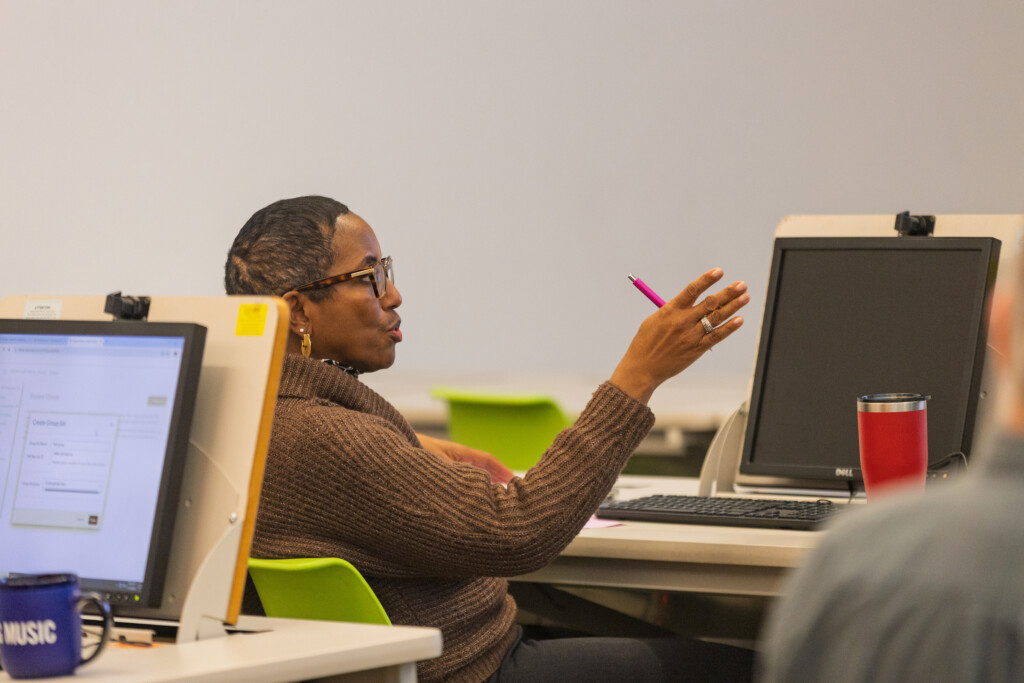
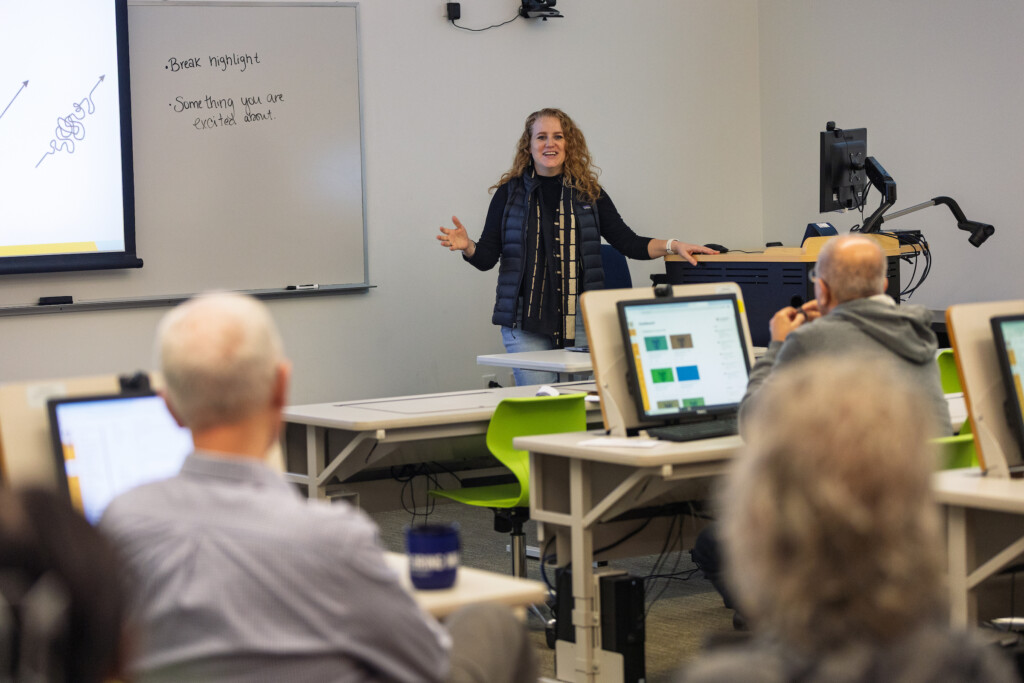
Photos from the Workshop: